History Lesson: What Is a WordStar File? Legacy .ws Word Will Not Open
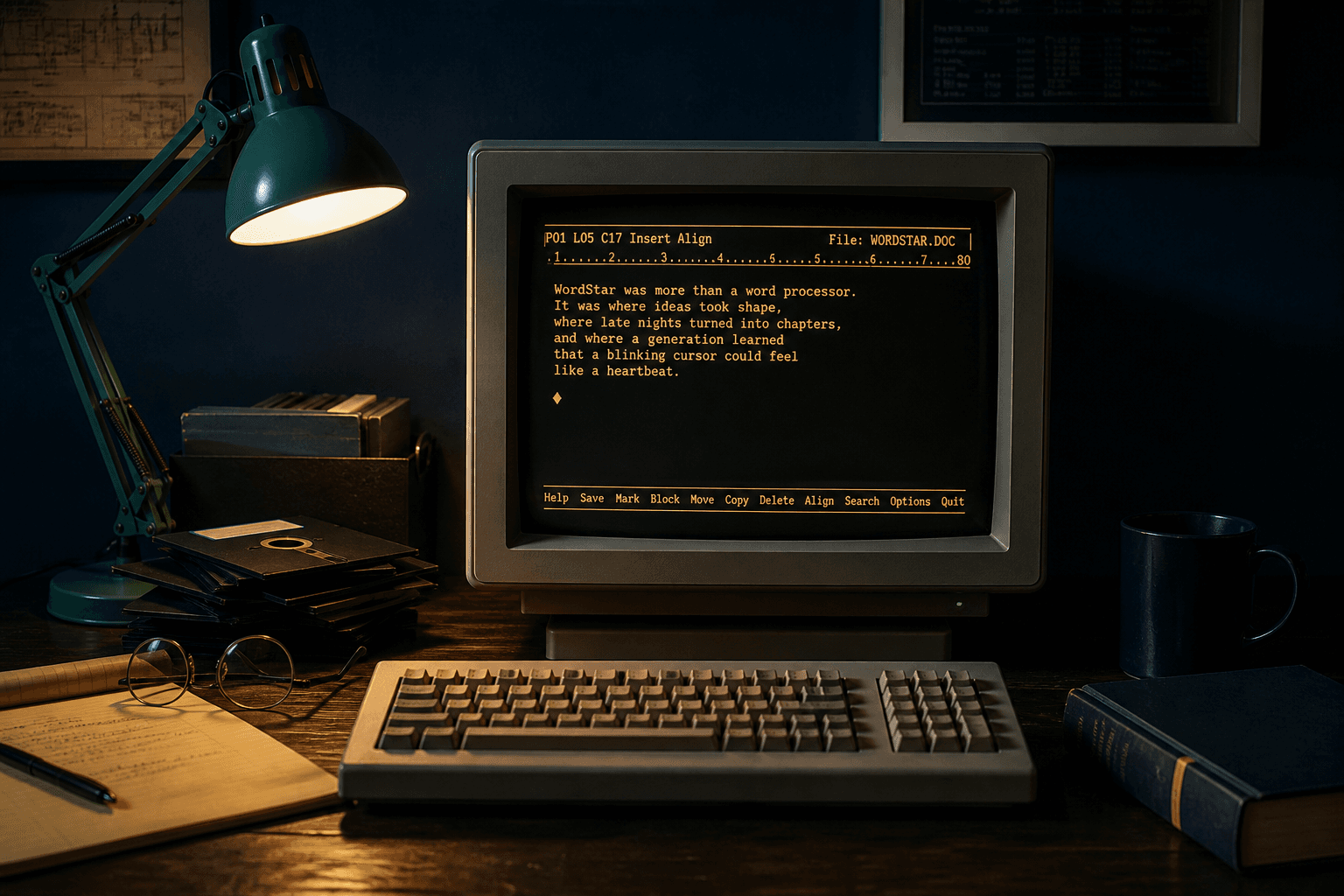
Legacy MicroPro manuscripts. Not a Windows script, not WordStar 2000, and Word will not open them.
TL;DR
A WordStar file is a legacy MicroPro International document from the early PC era — CP/M (Control Program for Microcomputers) and later MS-DOS. A legacy `.ws` is not a Windows script. Before version 5.0, high-bit wrap flags make text look garbled in a modern editor. WordStar 2000 is a different, incompatible format (PRONOM fmt/882). Current Microsoft Word will not open them. WordStar Converter reads classic `.ws` / `.wsd` / `.ws3`–`.ws8` locally; it does not convert WordStar 2000 or Windows Write `.wri`.
What is a WordStar file?
A WordStar file is a legacy document from MicroPro International’s word processor, first shown at the West Coast Computer Faire in April 1979 and sold that June, on Digital Research’s CP/M (Control Program for Microcomputers). Seymour Rubinstein had left IMSAI (he had been director of marketing) and founded MicroPro in 1978; he hired John Robbins (Rob) Barnaby to write the program. The Library of Congress format description still treats WordStar as one of the most influential early microcomputer word-processing formats.
WordStar did not lock you to `.ws`. The 1983 WordStar Reference Manual (p. 1-12) told users to pick a name they would remember. An optional period and one-to-three-character extension could describe the type — `.LET` for a letter, `.REP` for a report, even `.912` for the last editing day. The one extension to avoid was `.BAK`, because WordStar wrote backups there. The Library of Congress’s own holdings use `.ws`, `.wsd`, `.ws5`, `.ws6`, and `.ws7`. WordStar for Windows later favored `.wsd`. A legacy file with no extension at all can still be WordStar.
Related classic versioned names such as `.ws3` through `.ws8` belong to the same classic family. For a shorter identification primer, see What Is a .WS File?. For DOS 8.3 and extensionless estates, see Finding WordStar Files With No Extension.
Why a legacy .ws is not a Windows script (and Word will not open it)
FileInfo and similar catalogs treat `.ws` as a Windows Script. Microsoft’s Windows Script Host more commonly uses `.wsf`. A legacy WordStar `.ws` is a manuscript, not a script — do not double-click it expecting Word, and do not assume it is malware just because catalogs warn about scripts. Practical checklist: .WS Is Not a Windows Script.
Open an old WordStar document in Notepad and the last letter of many words turns into an accented character. That is not corruption. The official File Format for WordStar Release 7.0, published by WordStar International on 17 March 1992, explains the bytes. Printable text is 7-bit ASCII. Codes below `20h` and the 8th bit carry formatting. A hard paragraph ends with `0Dh`, `0Ah`. A soft return — a word-wrap break — is `8Dh`, `0Ah`. A soft space (`A0h`) marks tabs, justification, and left-margin indent.
Before WordStar 5.0, the high bit was set on the last character of every non-blank string that fell inside the margins so printer drivers could microjustify the line. Version 5.0 dropped that trick for absolute tabs, margin dot commands, and paragraph styles. Until you strip the high bits, a UTF-8 editor reads those last letters as Latin-1 junk.
Formatting also lives in dot commands: a period in column 1 plus two letters on their own line. `.PA` starts a new page. `.LM` and `.RM` set left and right margins. They take space on the screen and none on the printed page. WordStar also had document mode (embedded controls) and nondocument mode (plain ASCII, used as a programming editor — no high-bit flags). Deep dive: WordStar Dot Commands, Print Controls, and High-Bit Wrap.
The Library of Congress notes that Microsoft Word 2003 and earlier shipped a WordStar converter. Microsoft’s Office 2000 Converter Pack listed Wrdstr32.cnv for WordStar 3.x–7.x for MS-DOS and WordStar for Windows 1.0–2.0, import only. That pack is gone from current Word. Windows Write (`.wri`) is a different Microsoft format — not WordStar. See Why Microsoft Word Will Not Open WordStar Files.
WordStar vs WordStar 2000 — two products, two formats
WordStar 2000 was released in 1985 with a completely different, incompatible file format (UK National Archives PRONOM fmt/882). The name is not a year-2000 edition of classic WordStar. Classic WordStar resumed as WordStar 4 in February 1987 after MicroPro acquired NewStar / NewWord.
Archives often mix both under one brand name on the box. Renaming a WordStar 2000 file to `.ws7` does not make it classic WordStar. WordStar Converter does not convert WordStar 2000. It targets the classic family only. Full comparison: WordStar 2000 vs Classic WordStar.
The Ctrl-key diamond
WordStar reached MS-DOS and the IBM PC in 1982. The MicroPro WordStar 3.2 addendum’s first issue is dated 15 April 1982. The PC already had arrow keys. WordStar kept the Ctrl-key diamond anyway: Ctrl-E up, Ctrl-S left, Ctrl-D right, Ctrl-X down — the four keys under the left hand on a typewriter keyboard. Touch typists never left the home row.
In *BYTE* (May 1983), Richard S. Shuford called WordStar the best-known and probably most widely used personal-computer word processor, with a list price of $495. Novelist Robert J. Sawyer described that diamond in *WordStar: A writer’s word processor* (*Ars Technica*, 16 March 2017). The same Ctrl sequences spread into other DOS tools.
On-screen menus, block operations, and mail merge made it an office tool as well as a novelist’s tool. Market share did not last forever — WordPerfect took much of the mid-to-late-1980s office market, and Microsoft Word later owned the Windows generation — but the diamond is why serious users stayed long after the GUI arrived.
How later classic releases encoded the page
After WordStar 3.3 in 1983, MicroPro went years without a classic-line update until the February 1987 return. Versions 5, 6, and 7 grew the file format: headers, symmetrical sequences (blocks that begin and end with `1Dh`), extended-character triplets (`1Bh xx 1Ch`), and richer print controls in the `00h–1Fh` range. Files commonly end with DOS EOF `1Ah`.
The Library of Congress format family note (fdd000552) summarizes the same layers for preservation work. A converter that only dumps “readable” letters leaves `.he` headers in the body, accented wrap junk at word ends, and broken Release 5+ sequences. Native parsing maps those layers into DOCX or PDF instead.
After the lead, a different product, a different company
In May 1989 MicroPro renamed itself WordStar International. On 4 February 1994 that company completed a three-way combination with SoftKey Software Products and Spinnaker Software and became SoftKey International. The legacy files on disks and in archives are still the 1979–1990s documents, not a modern Word file with a cute extension.
LibreOffice ships a limited WordStar import filter. Treat that as a competitor note, not a promise: wrap flags, print controls, and later symmetrical sequences are frequently mangled. It is not the engine WordStar Converter uses, and it is not a production path for a bulk archive without careful sampling.
Why these files are still on disks
The Library of Congress holds several hundred WordStar files in Special Collections. Writers stayed. George R. R. Martin has said in his own *Not A Blog* that he wrote his fiction on a DOS machine running WordStar 4.0 — in 2007, again in 2011 (“the Duesenberg of word processing software”), and still in April 2020. Arthur C. Clarke wrote the 1982 sequel to *2001: A Space Odyssey* on an Archives III microcomputer running WordStar; Matthew G. Kirschenbaum records that last-minute corrections went out through the Padukka Earth Station and the Indian Ocean Intelsat V. The Library of Congress also names Anne Rice among the format’s literary users.
Those manuscripts — and far more ordinary office letters — are still on floppies, old hard disks, and zip archives because WordStar never required a telltale extension and because current Word will not open the stream. Expect ALLCAPS.WS, companion `.BAK` backups, `.wsd`, `.ws5`–`.ws7`, and files with no extension at all in the same drawer. See also .WSD and .WS5–.WS7 Extensions and Batch Convert a WordStar Estate Offline.
Open the classic archive on this PC
If the bytes are classic WordStar — high-bit wrap (especially pre-5.0), print controls, dot commands, optional versioned extensions — convert them locally. WordStar Converter reads `.ws` / `.wsd` / `.ws3`–`.ws8`, writes DOCX, PDF, and other modern formats, and does not upload document contents.
It does not convert WordStar 2000 (PRONOM fmt/882) or Windows Write `.wri`. Sample the worst files first, then batch the tree. Trial 10 conversions; Standard $39.95 one-time. Keep originals intact. Walkthrough: How to Open WordStar Files on Windows 11.
Convert your files
Related reading
- What Is a .WS File? WordStar Documents on Modern Windows
- .WS Is Not a Windows Script — It Is Usually WordStar
- WordStar 2000 vs Classic WordStar: Different Products, Different Files
- WordStar Dot Commands, Print Controls, and High-Bit Wrap
- Why Microsoft Word Will Not Open WordStar Files
- How to Open WordStar Files on Windows 11
Recover the classic .ws archive
Trial 10 files on this PC. Standard $39.95 one-time. Classic WordStar only — not WordStar 2000, not .wri.
Free trial
Full app features — up to 10 files
Windows 10 or 11
The Windows installer for the 10-file trial is coming soon. Same app you unlock with a license — 100% local on your PC.
Coming Soon
Windows installer