Why Microsoft Word Will Not Open WordStar Files
File → Open will not magically grow a 1980s filter.
TL;DR
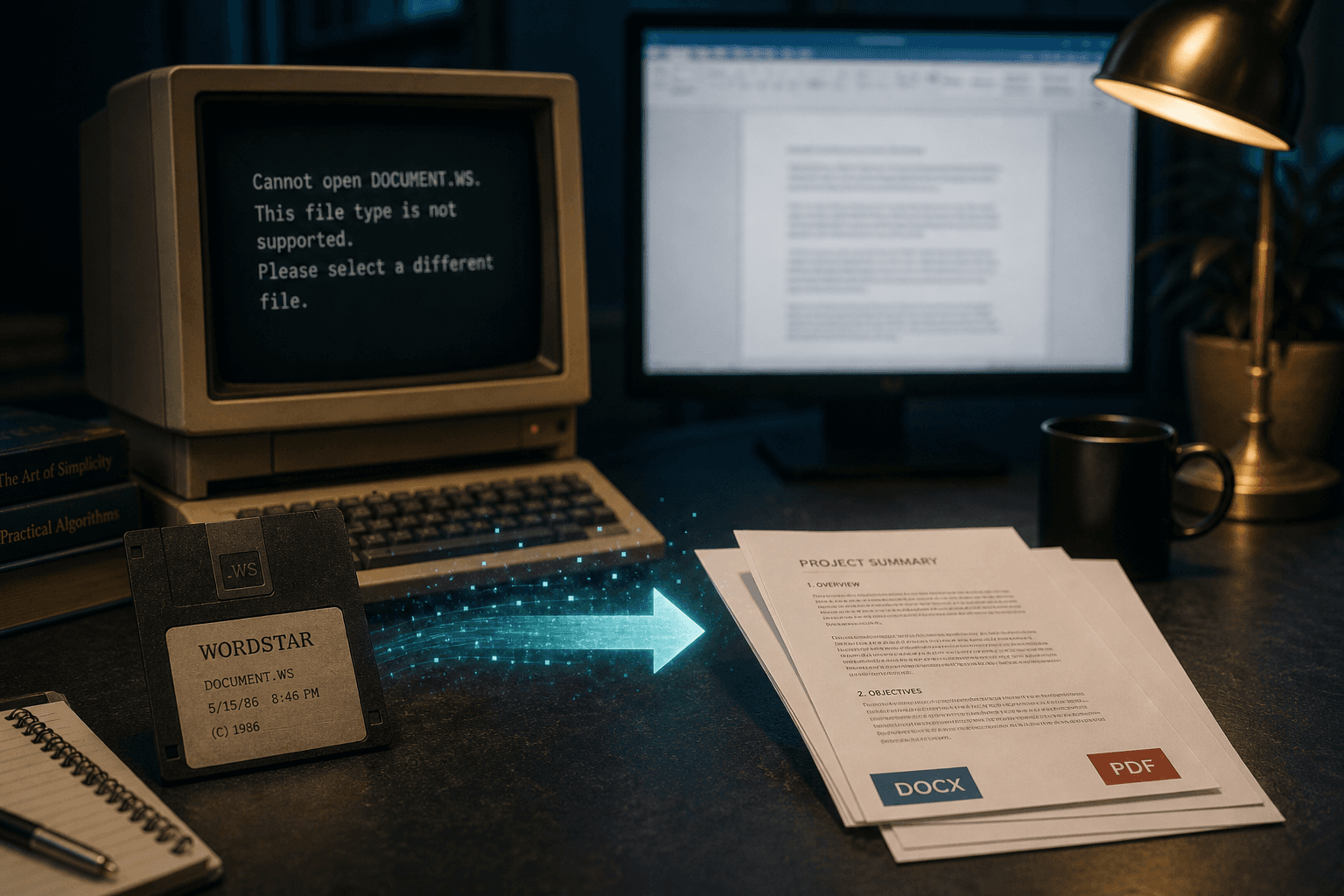
Current Microsoft Word does not ship a WordStar import filter. Some very old conversion toolchains existed in the DOS/early Office era; they are not a Windows 11 workflow. Convert `.ws` locally with WordStar Converter to DOCX or PDF.
What happens when you try
Word either refuses the file, shows binary noise, or offers a plain-text guess that leaves high-bit wrap and print controls intact as garbage. There is no reliable “WordStar” entry under modern Open dialogs comparable to WordPerfect or Works filters of earlier decades.
How the gap formed
WordStar’s market collapsed as WordPerfect and then Word took offices. Microsoft optimized importers for formats customers still exchanged. Classic WordStar became a preservation problem instead of a daily interchange format.
Third-party and vintage utilities (including era-specific converters and Star Exchange in the MicroPro ecosystem) once bridged formats on DOS. Depending on a 1990s toolchain inside a Windows 11 security baseline is not a policy most IT teams will sign.
LibreOffice is not a free pass either
LibreOffice includes a limited WordStar import. It is a competitor workaround, not an engine WordStar Converter ships, and it often mishandles wrap flags and later symmetrical sequences. Sample carefully before you trust it on a production archive.
The path that works in 2026
Use a native WordStar parser on this PC. Emit DOCX when editors need Word, PDF when recipients need a fixed page. Nothing is uploaded. Trial 10 files; Standard $39.95.
Convert your files
Related reading
Convert to Word on this PC
Trial 10 files. Standard $39.95 one-time.
Free trial
Full app features — up to 10 files
Windows 10 or 11
The Windows installer for the 10-file trial is coming soon. Same app you unlock with a license — 100% local on your PC.
Coming Soon
Windows installer