How to Open WordStar Files on Windows 11
Skip the Windows 98 VM. Convert the archive on this PC.
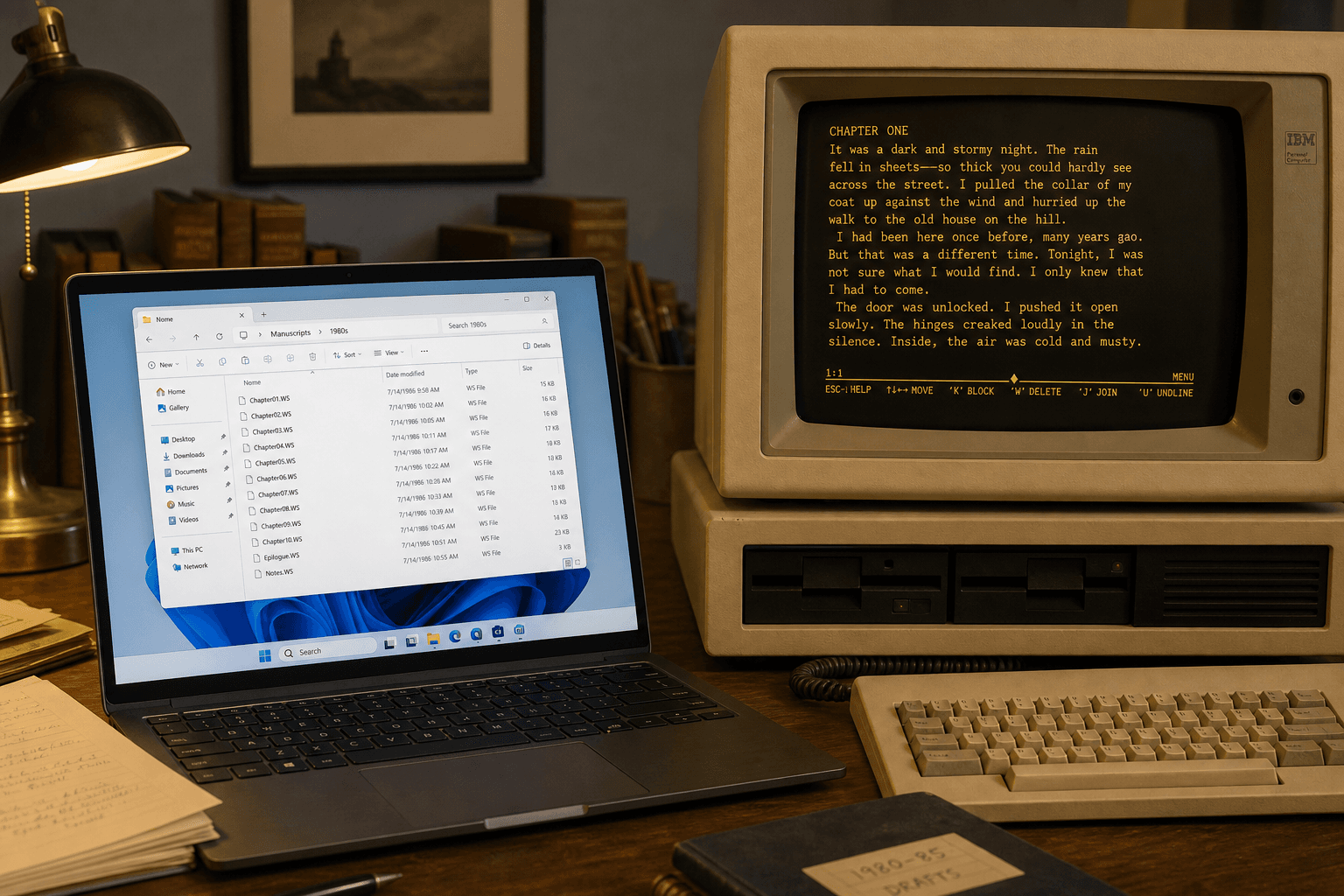
TL;DR
Install WordStar Converter, point it at the folder, convert a hard sample to DOCX and PDF, then batch the rest. Trial is 10 files. Standard is $39.95 one-time. Nothing leaves the machine.
Why Windows 11 will not open .WS
Modern Windows ships no WordStar viewer. Explorer may show a generic icon or, worse, associate `.ws` with a script host because of catalog confusion. Double-clicking is not a test of the document — it is a test of whatever association happens to be registered.
Microsoft Word has no WordStar import filter. LibreOffice’s built-in filter is incomplete on high-bit wrap and later symmetrical sequences. Treat it as a competitor limitation, not a workflow you bet a records project on.
What not to do
Do not email the `.ws` file to a cloud converter. WordStar archives are often contracts, case files, and unpublished manuscripts. Do not hunt for a Word “import WordStar” menu — it is not there.
A DOS or Windows 98 virtual machine still runs original WordStar for a handful of files. It does not scale to recursive folders, watch drops, or dual DOCX+PDF output, and your security team will object to an unpatched guest OS.
The workflow that holds up
Treat conversion like any other migration: masters stay read-only, work happens on a copy, samples come before bulk.
- Copy the archive to a working folder on Windows 11 (keep originals elsewhere).
- Install WordStar Converter. The trial converts 10 files with full features.
- Convert your worst document first — a long letter with headers, a file full of print controls, something with extended characters.
- Review the DOCX in Word and the PDF in your reader. Then run the folder.
- Optional: enable a watch folder for late drops from counsel or executors.
Extensions Windows 11 will actually see
Expect `.ws`, `.wsd`, and versioned names such as `.ws5`–`.ws7`. DOS 8.3 archives may also ship `LETTER.WS`, files with no extension, or `.BAK` backups WordStar left beside the document. Point the converter at the folder recursively rather than hand-picking one extension.
If Explorer associates `.ws` with a script host or “unknown,” that is catalog confusion — not proof the file is executable. Open a sample in Notepad: prose plus `.pl` / `.he` lines means WordStar; `WScript` / VBScript means something else.
Outputs that finish the job
Choose DOCX when people will edit. Choose PDF when the page is the record. Add RTF when the destination system is picky, ODT for open-standards policies, and Markdown / TXT when search or RAG comes next.
Many teams run DOCX + PDF in one pass. The trial is the same budget either way: 10 local conversions.
Privacy on a Windows 11 desk
Local conversion means document bytes are read from disk, processed in memory, and written back. Website analytics on the download page are not your files. After install, an air-gapped workstation can still convert.
For a deeper privacy checklist, see Keep WordStar conversion offline.
When the tree is huge
Estates and municipal dumps are folder problems, not attachment problems. Use batch scan, preserve structure into an output tree, and keep a local conversion log if retention asks for one. Standard ($39.95) covers more than a sample set; Conversion Library Plus adds private local search afterward.
Convert your files
Related reading
Try it on your own .WS files
Free trial: 10 conversions on Windows 10/11. Standard license $39.95.
Free trial
Full app features — up to 10 files
Windows 10 or 11
The Windows installer for the 10-file trial is coming soon. Same app you unlock with a license — 100% local on your PC.
Coming Soon
Windows installer