WordStar 2000 vs Classic WordStar: Different Products, Different Files
Same brand on the box. Not the same bytes on disk.
TL;DR
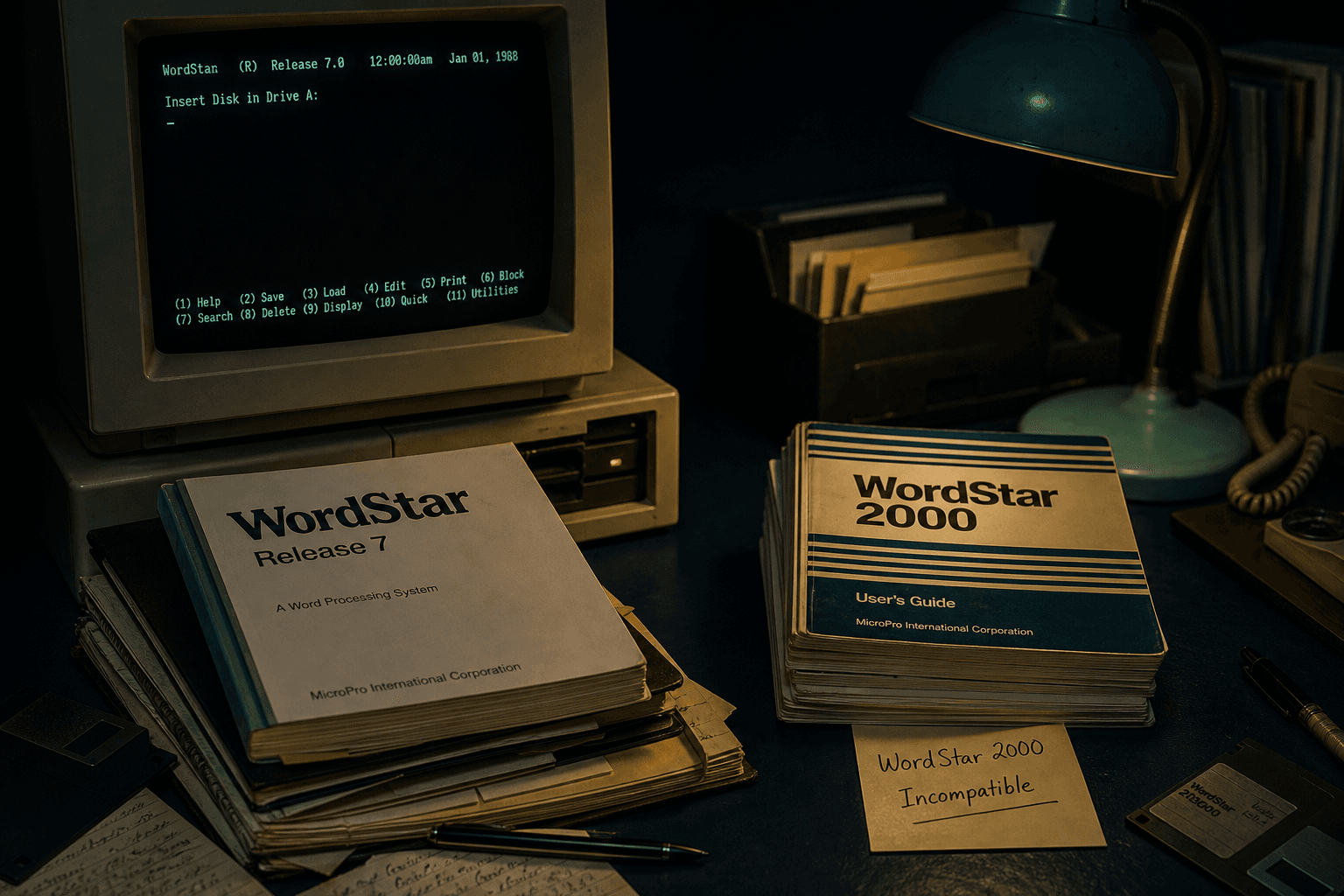
Classic WordStar (CP/M / MS-DOS through Release 7, plus related `.ws` / `.wsd` / `.ws3`–`.ws8` files) is the format WordStar Converter targets. WordStar 2000 was a mid-1980s rewrite with an incompatible format (PRONOM fmt/882). Do not assume a classic converter can open WordStar 2000.
Two products under one name
Classic WordStar grew from MicroPro’s CP/M hit into the MS-DOS line that writers and offices kept using into the 1990s. WordStar 2000, released in the mid-1980s, was a separate C rewrite aimed at competing with newer office word processors. Contemporary reviews stressed that commands and files were not interchangeable with classic WordStar.
MicroPro continued classic WordStar anyway. That is why basements still hold both — and why a single “WordStar” label on a box is not enough to identify the format.
How registries tell them apart
The UK National Archives’ PRONOM registry assigns separate Persistent Unique Identifiers (PUIDs). Classic MS-DOS WordStar documents appear under identifiers such as x-fmt/370 (v3), x-fmt/205 (v5), x-fmt/237 (v6), and x-fmt/261 (v7). WordStar 2000 is registered as fmt/882.
The Library of Congress format family note (fdd000552) likewise calls out WordStar 2000 as a poorly received side line with its own format history.
What WordStar Converter supports
WordStar Converter is built for the classic document family: `.ws`, `.wsd`, and `.ws3`–`.ws8`, including high-bit wrap, print controls, symmetrical sequences, and dot commands. It does not claim WordStar 2000 conversion. If identification tools report fmt/882, treat that tree as a different migration project.
Historically, MicroPro’s Star Exchange utility bridged some office formats in the DOS era. That toolchain is not a modern Windows 11 workflow — and it is not what this product ships.
Practical sorting tip
Sample with a hex viewer or DROID/PRONOM if you have them. Classic files show WordStar control patterns and often versioned extensions. When in doubt, convert a classic `.ws7` sample with the trial (10 files) and keep suspected WordStar 2000 material quarantined until you have a dedicated path.
Convert your files
Related reading
Convert classic WordStar on this PC
Trial 10 files. Standard $39.95.
Free trial
Full app features — up to 10 files
Windows 10 or 11
The Windows installer for the 10-file trial is coming soon. Same app you unlock with a license — 100% local on your PC.
Coming Soon
Windows installer