Convert WordStar to Word (DOCX) Without Losing Wrap and Emphasis
DOCX is for documents that still have a job to do.
TL;DR
Choose DOCX when the document must be edited. Convert locally with WordStar Converter. Trial 10 files. License $39.95.
When DOCX is the right target
Use Word when people will revise the text: counsel redlines a letter, an editor continues a chapter, a clerk updates a template that started life as WordStar. Use PDF when the page is the record. Many archives want both in one pass.
DOCX is also the format most e-discovery and DMS tools ingest without drama — after the WordStar-specific encoding is gone.
Why “Open in Word” fails
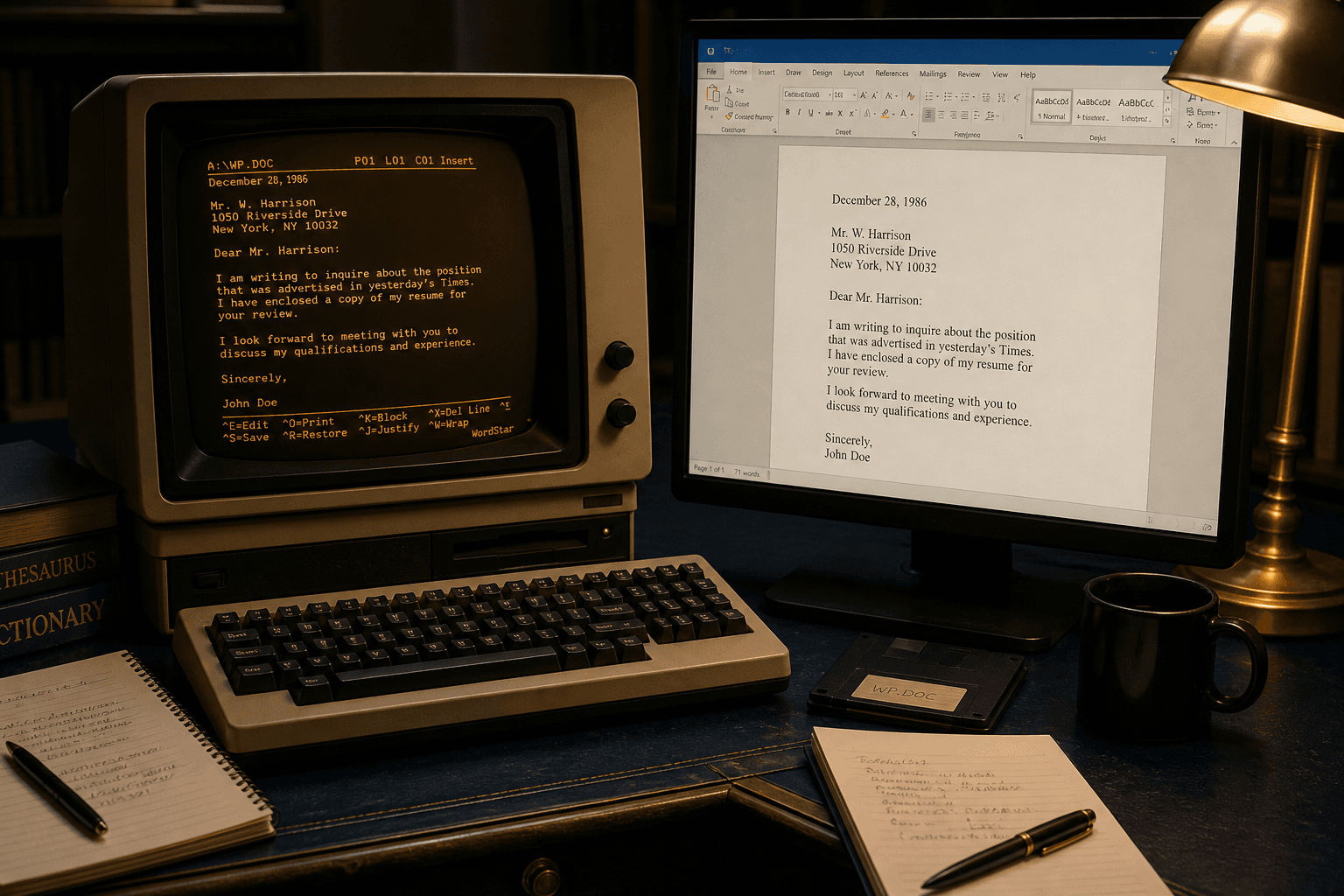
Modern Microsoft Word has no WordStar import filter. File → Open on a `.ws` file yields refusal, binary noise, or a plain-text guess that leaves wrap flags intact. That gap is historical: Word optimized importers for formats customers still exchanged daily.
The fix is not a macro pack from 1998. It is a native parse to DOCX on Windows 10/11. Details: Why Word will not open WordStar.
What maps across
- High-bit wrap becomes ordinary Word wrapping.
- Bold, underline, strike, and related print controls become character runs.
- Extended characters become Unicode instead of escape leftovers.
- Paragraph structure becomes editable Word paragraphs instead of hard DOS lines.
What to verify in the sample
Open the DOCX and check: no accented junk at word ends, emphasis toggles match the manuscript intent, and leftover `.pl` / `.he` lines are not sitting in the body. Headers may land as Word headers or as leading paragraphs depending on how you want editors to work — decide that before the bulk run.
Convert the worst letter first. Pretty one-page memos hide failures that dense chapters reveal.
Batching folders into Word
Point WordStar Converter at the archive root. Include `.ws`, `.wsd`, `.ws3`–`.ws8`, and do not forget extensionless DOS names. Write DOCX into a parallel output tree so masters stay untouched.
Trial 10 files validates the mapping. Standard ($39.95) covers the rest. Explorer quick-convert helps for one-off drops after the main migration.
DOCX vs RTF vs PDF
Stay on DOCX for Microsoft-centric editing. Choose RTF when the next system is older or unknown. Choose PDF for disclosure sets that must not reflow. You can emit multiple formats in one conversion pass.
Keep the conversion local
WordStar folders are often privileged. Local DOCX output means the manuscript never crossed a consumer upload boundary just to become editable. Pair this with your existing Word security model afterward — conversion and collaboration are separate decisions.
Convert your files
Related reading
Convert a sample to Word
Free trial 10 files. Standard $39.95 one-time.
Free trial
Full app features — up to 10 files
Windows 10 or 11
The Windows installer for the 10-file trial is coming soon. Same app you unlock with a license — 100% local on your PC.
Coming Soon
Windows installer